
See it live
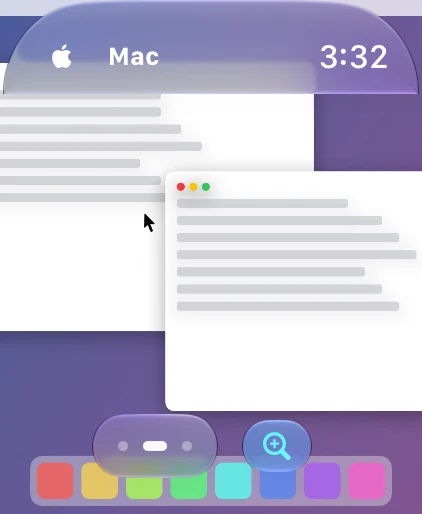
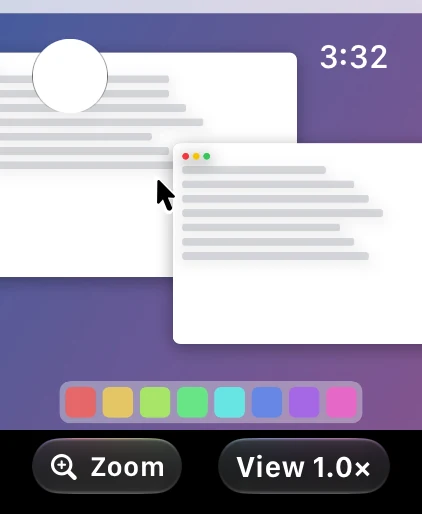
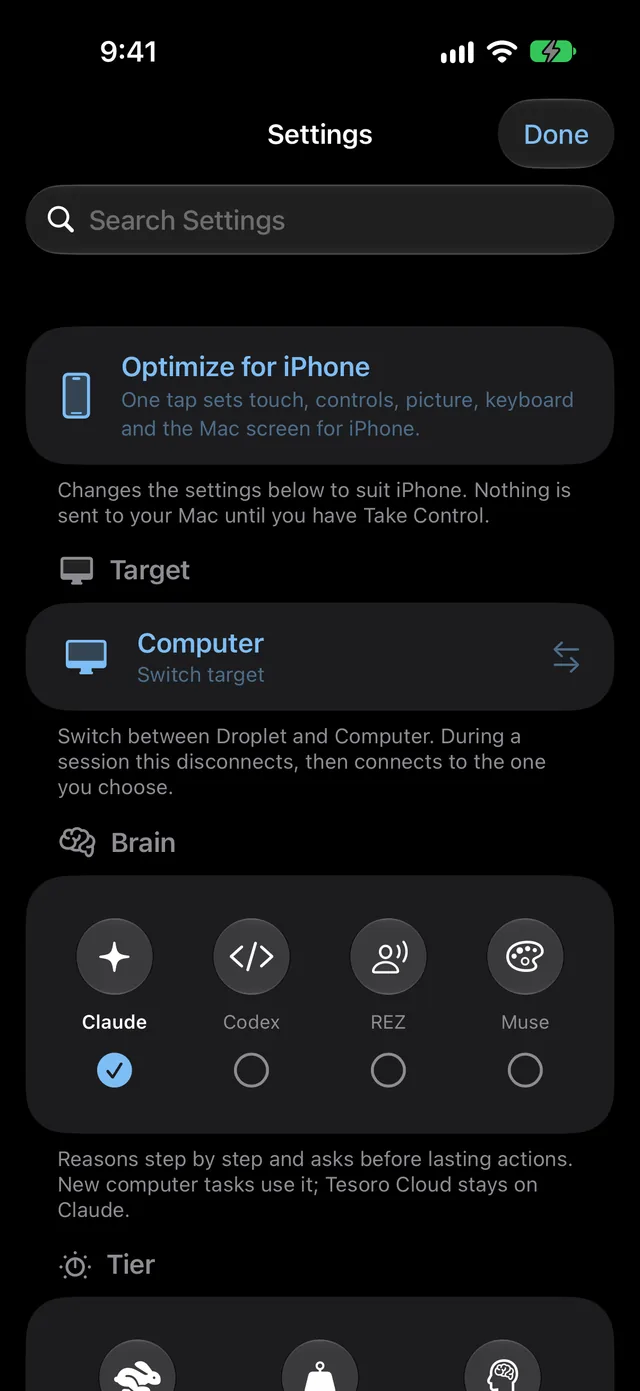
A live picture of your Mac on iPhone and Apple Watch. Optimize for iPhone sets touch, picture, keyboard and the Mac screen for a phone in one tap. Low Data lowers resolution on slower networks.
Public beta on TestFlight
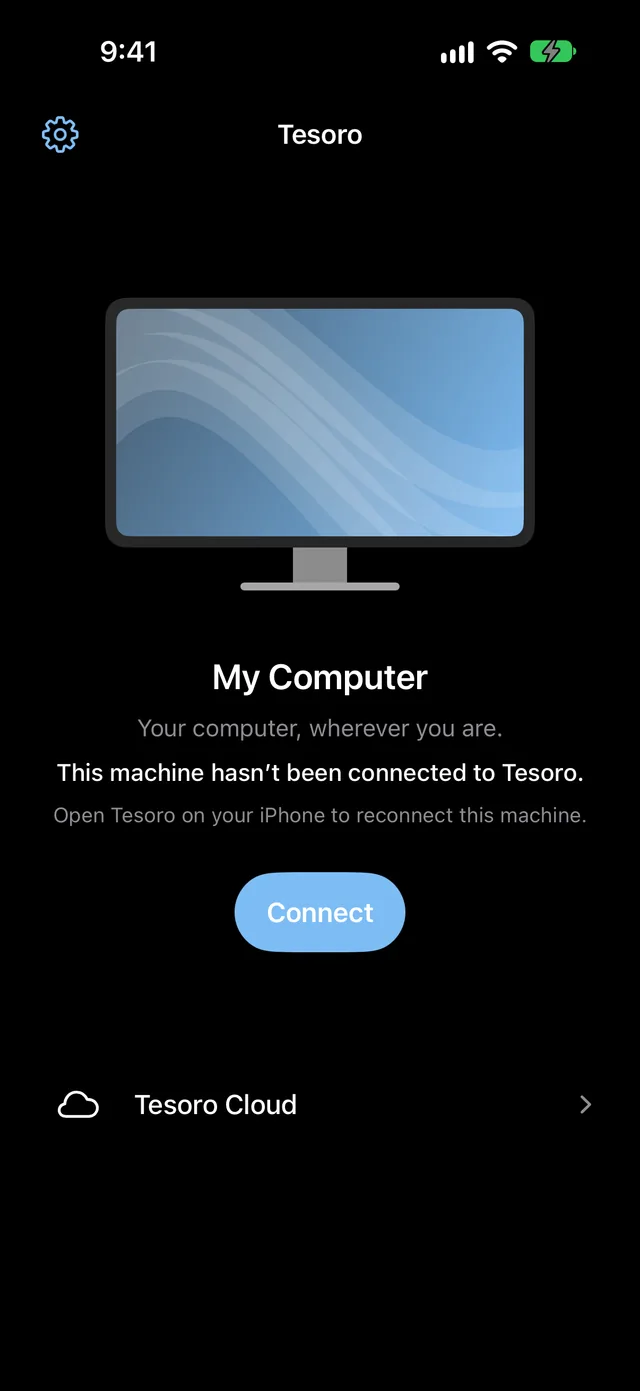
Tesoro puts a live view of your Mac on iPhone and Apple Watch. Touch it, type on it, talk to it. Ask for a task, approve what it proposes, and take over whenever you like.
Free. iPhone with iOS 26 or later, plus a paired Apple Watch if you have one. Tesoro needs the Tesoro host running on your Mac.
Live view of your Mac
Touch, trackpad and keyboard
Digital Crown zoom and scroll
Stop always within reach
Features
A live picture of your Mac on iPhone and Apple Watch. Optimize for iPhone sets touch, picture, keyboard and the Mac screen for a phone in one tap. Low Data lowers resolution on slower networks.
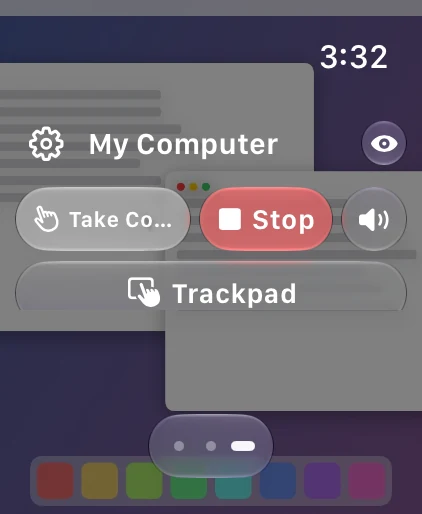
Tap to click in Direct mode, or switch to Trackpad and glide the pointer. Faster finger movements carry the pointer farther, the way a real trackpad feels.
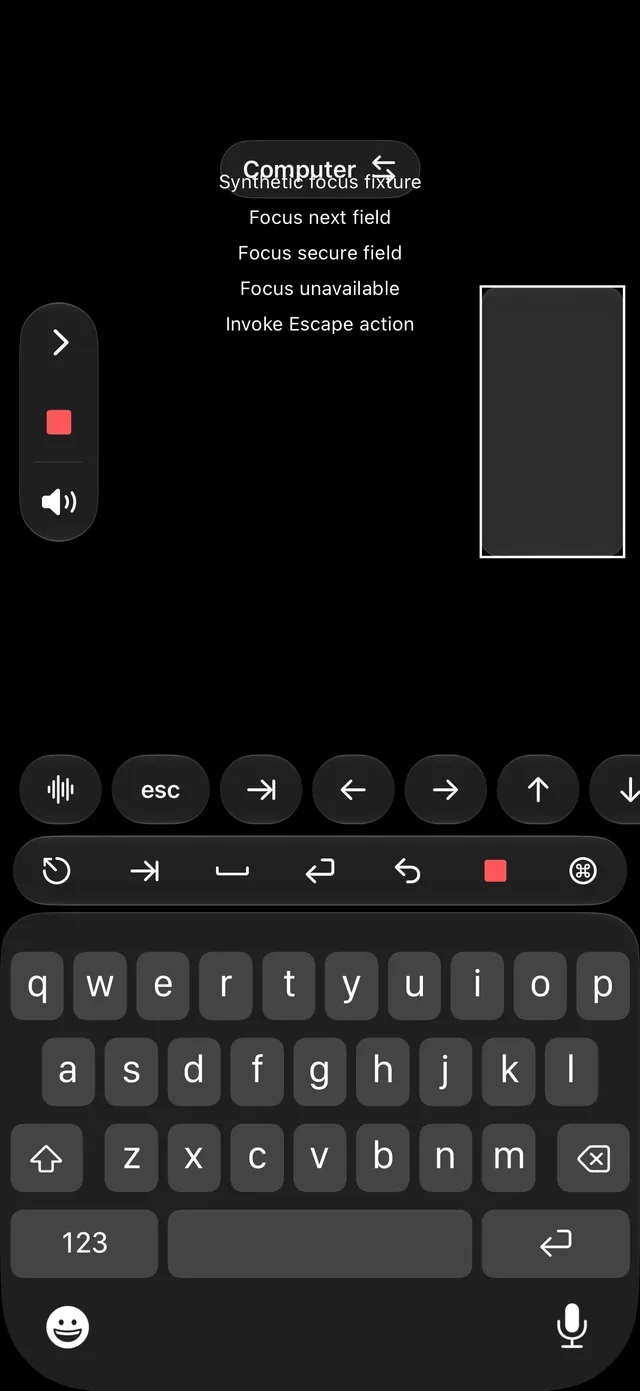
Type straight into the focused field on your Mac, with a row of keys for Escape, Tab, arrows and shortcuts. Use the clipboard for longer passages.
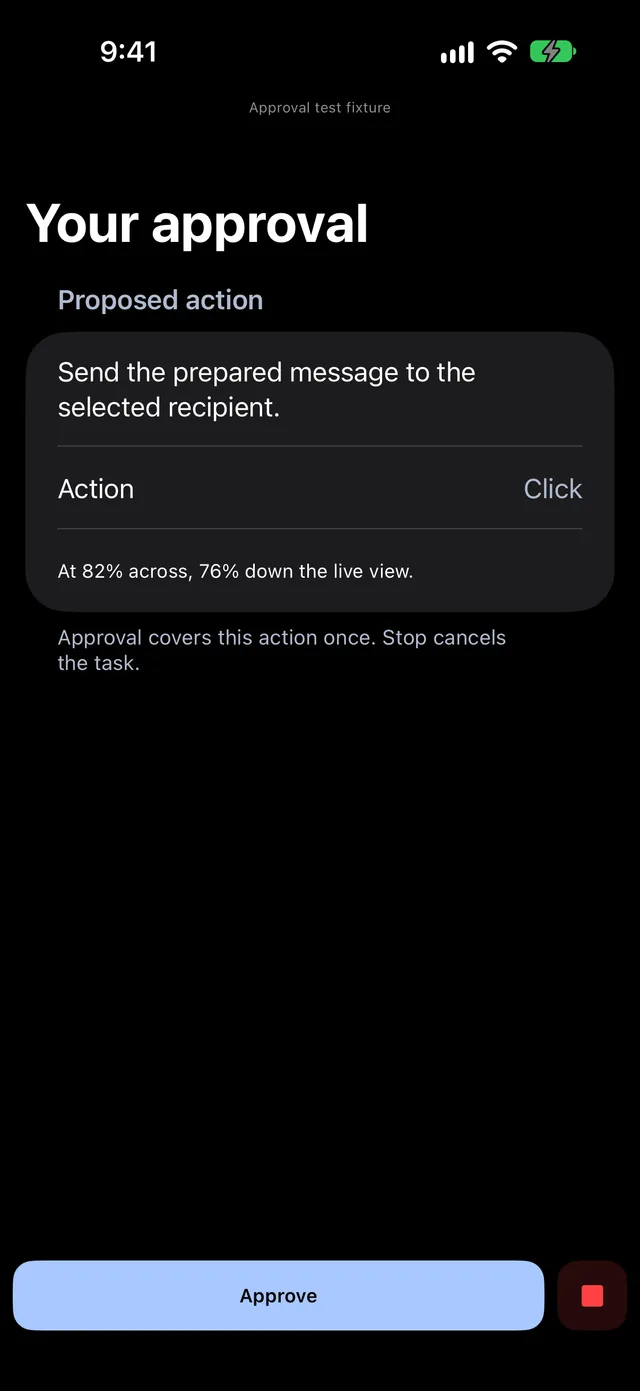
Speak or type a task. Tesoro proposes the next action, you approve it, and it runs on your Mac. Approval covers that one action. Lasting changes always wait for you.
On Apple Watch, turn the Crown to zoom. The picture follows your cursor until you pan it yourself. Switch the Crown to scroll to move the page.
Take Control pauses the agent and hands you the pointer and keyboard. Stop revokes control on your device at once, and controls stay locked until your Mac confirms it stopped.
Hold to talk on Apple Watch and hear spoken replies through the Tesoro voice server. On iPhone, dictation is transcribed on the device.
One tap checks the phone link, voice, speaker, Digital Crown and display, then shows a hardware snapshot you can screenshot and send with your feedback.
How it works
The Tesoro host on your Mac shares a live picture and accepts input only from devices you have set up. The picture goes from your Mac to your own devices.
Tesoro on iPhone reaches your Mac over your own network, or over Tailscale when you are away. The connection is encrypted.
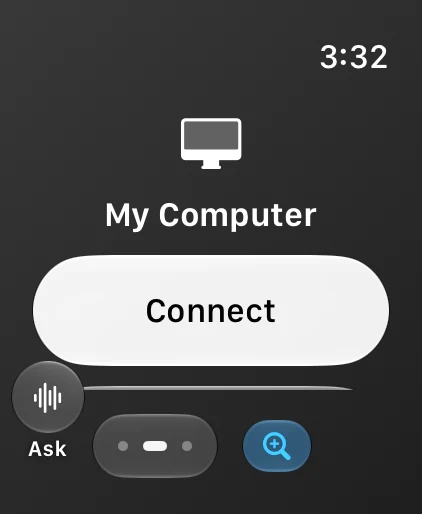
Your iPhone brings your paired watch online, so the live view, the Crown, voice and Stop are right on your wrist.
Screens
Sample content is shown on the Mac side. What you see is the app as it ships in the beta.
Public beta
Open the link on your iPhone. TestFlight installs Tesoro, and the watch app comes with it. Tesoro needs the Tesoro host on your Mac; access to the host is limited during the beta, so ask for it with the form below.
Tesoro 2.2 (build 2026111901) · Limited seats
Feedback
Found a bug, want a feature, or have a thought? Send it here. Every note is read. A screenshot from Run Tests on the watch helps a lot with bugs.
See what we collect. You can also send feedback from inside TestFlight.